Trading Platform: Must-Have Features for Fast Fills
Featured image: Trading Platform: Must-Have Features for Fast Fills
Fast fills are not just about clicking faster. For active options trading, a “fast fill” is the result of a tight chain of events that stays tight under stress: you see the market clearly, choose a strike and price confidently, send an order with minimal friction, and manage exits without delays or missed adjustments.
In other words, your trading platform can either compress the entire workflow, or quietly add seconds of hesitation and extra clicks that turn into slippage.
This guide breaks down the must-have trading platform features for fast fills, specifically for options traders, day traders, and scalpers, with an emphasis on low latency options execution and clean execution mechanics on Interactive Brokers (IBKR).
What “fast fills” actually mean for options traders
A fill speed problem usually hides in one of three places:
- Decision speed: How quickly you can interpret the chain, see liquidity, and select the right contract.
- Order-entry speed: How many actions it takes to express your intent correctly (price, size, order type, legs, risk controls).
- Execution speed and fill quality: How fast the order reaches the broker and venue, and how well it fills relative to the market you saw.
You cannot control everything (exchange matching and market microstructure are what they are), but you can absolutely control how much latency and friction your software adds, and whether your tools help you send the “right” order the first time.
1) A chain view that is built for speed (not for “everything”)
For fast options execution, your chain needs to answer a small set of questions instantly:
- Where is the liquidity right now?
- Which strike(s) matter, across which expirations?
- What will my spread cost, and how sensitive is it to a one-tick move?
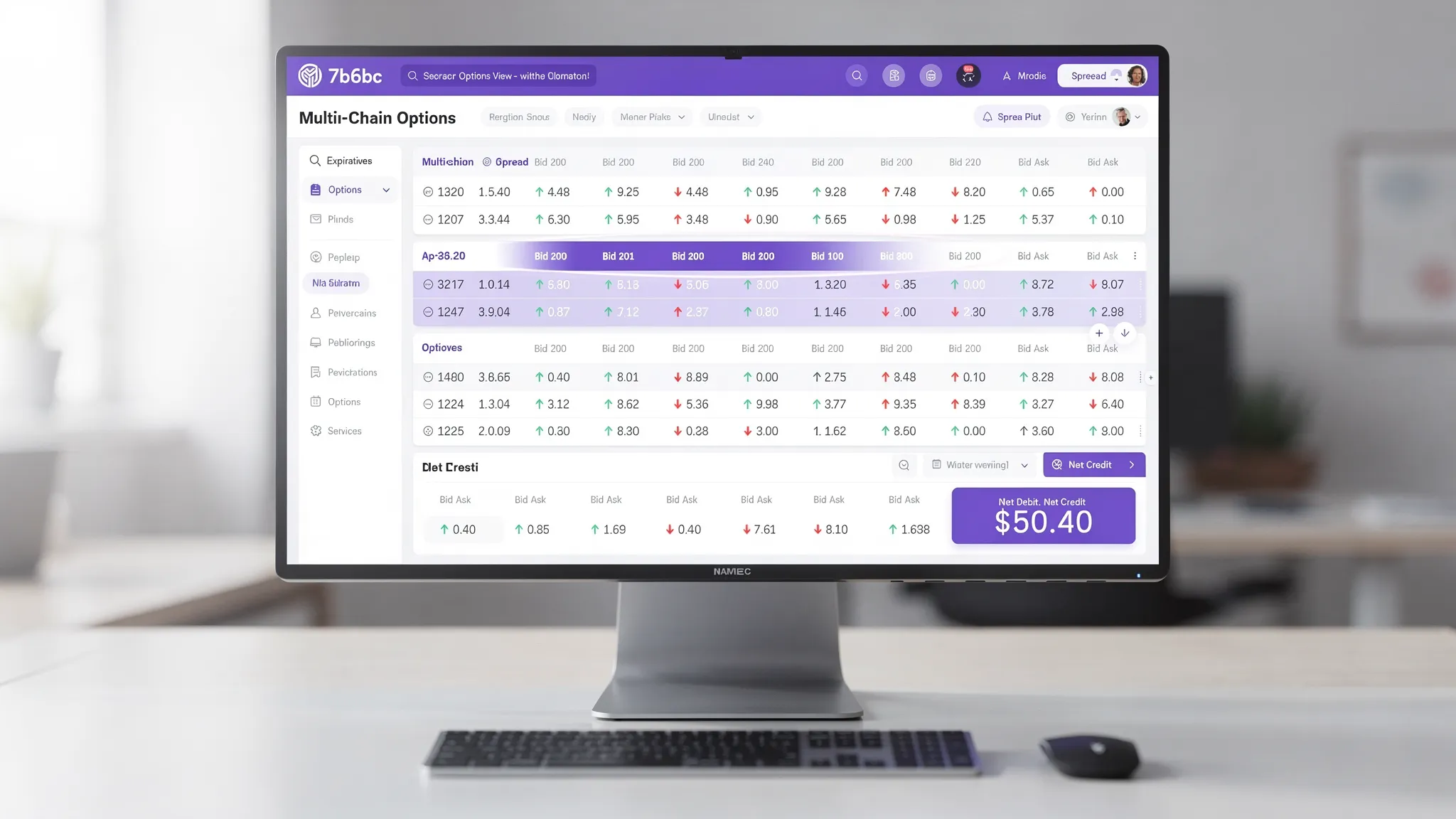
Must-have: multi-chain options view
A multi-chain options view is a speed feature because it reduces context switching. Instead of bouncing between expirations and strikes, you can compare multiple slices of the chain at once and act.
This matters most when:
- You are rolling or hedging and need nearby expirations visible simultaneously.
- You are scalping liquid weeklies and monitoring several strikes around spot.
- You trade spreads and need to sanity-check pricing across related legs quickly.
What to look for: a clean layout that stays readable as markets move, highlights relevant strikes, and does not require modal dialogs just to switch expirations.
2) Liquidity cues that prevent “fast mistakes”
The fastest traders are not the ones who always hit the button first. They are the ones who avoid sending low-probability orders that need multiple edits.
Must-have: instant bid/ask clarity and spread highlighting
In options, the bid-ask spread is often the hidden tax on speed. A platform that visually highlights wide spreads, thin quotes, or questionable strikes helps you avoid chasing.
If your interface makes it obvious when a contract is:
- One-tick wide and liquid
- Wide and likely to slip
- Temporarily “gapped” during a fast move
…you make better pricing decisions quickly, which usually improves fill quality.
Must-have: fast toggles for “mid” vs “aggressive” pricing
A practical speed feature is the ability to move between:
- Mid-based pricing (better price, lower fill probability)
- Marketable limit pricing (higher fill probability, bounded slippage)
Interactive Brokers documents a wide range of order types and behaviors, and your platform should help you express those behaviors quickly, without forcing a long ticket workflow. (See IBKR’s order types documentation for definitions and variations.)
3) Order entry that matches how fast options traders think
Fast fills come from fast, correct expression of intent.
If a platform makes you repeatedly re-enter price, size, order type, and risk controls, you will be slow even on a fast connection.
Must-have: one-screen order entry with smart defaults
The best options trading software compresses the common actions into a single interaction loop:
- Click contract (or select legs)
- Set size
- Confirm price style (mid, bid, ask, marketable limit)
- Send
Smart defaults matter because they remove micro-decisions. Examples include:
- Defaulting to the most recent size per underlying
- Remembering whether you prefer mid or marketable limits for entries vs exits
- Auto-populating reasonable TP/SL templates (if you use them)
Must-have: hotkeys (with guardrails)
For day traders and scalpers, hotkeys can be a direct path to fast options trading, but only if your platform includes safety controls (confirmations where appropriate, clear focus behavior, and obvious order previews).
A hotkey system is not a “nice-to-have” if your strategy depends on reacting within a narrow window.
4) Spread trading tools that reduce leg risk and rework
If you trade multi-leg strategies, “fast fills” often means “fast correct spreads.” The platform must help you avoid creating spreads that:
- Price incorrectly due to stale leg assumptions
- Require multiple edits
- Expose you to legging risk because you cannot monitor and adjust quickly
Must-have: options spread trading platform basics
At minimum, your platform should:
- Preview net debit/credit clearly
- Make leg selection obvious
- Keep the spread cost visible while quotes update
- Let you adjust price quickly (without rebuilding the order)
A subtle but powerful feature is visual clarity around spread costs and strike relationships. When you are moving quickly, the UI should reduce the chance you click the wrong strike or expiration.
5) Bracket-style risk controls you can turn on instantly (TP/SL)
Fast entries are only half of fast fills. Exits are where speed saves accounts.
Must-have: automated TP/SL for options
Options traders often avoid automation because legacy platforms make it painful, multiple dialogs, too many fields, easy to misconfigure. But properly implemented automated TP/SL for options is one of the clearest ways a platform improves outcomes:
- You can enter without delaying to build protection manually.
- You reduce the chance of forgetting to place an exit order.
- You can define your risk and let the platform execute the routine part.
If you trade on Interactive Brokers, confirm that your platform can implement bracket-like behavior cleanly using IBKR-compatible order handling and that it remains understandable when partial fills occur.
NeonChainX, for example, is built around one-click TP/SL automation designed for active options workflows, so you can set protection without a multi-step ticket.
For IBKR users, using TWS or IB Gateway with an execution-focused front end can also reduce friction. IBKR provides background on IB Gateway as a lighter-weight alternative to TWS for API-based setups.
6) Real-time P&L that is actually tradable
“Real-time” in marketing is cheap. For fast fills, you need real-time information you can act on immediately.
Must-have: real-time options P&L tracking per position
A platform should show live profit and loss in a way that helps you make rapid exit decisions:
- Per position, not just at the account level
- Updating reliably during fast markets
- Easy to scan while you manage multiple positions
For scalpers, the difference between “I can see my P&L instantly” and “I need to open another window” becomes real money over hundreds of trades.
NeonChainX includes real-time P&L tracking per position as part of the core workflow for IBKR options traders.
7) Broker-native integration that does not introduce extra hops
A common reason platforms feel slow is architectural, not visual.
Must-have: direct Interactive Brokers integration
If you are an IBKR user, your Interactive Brokers options trading platform should connect directly through TWS/IB Gateway without third-party routing layers that add complexity.
Speed aside, direct integration often improves:
- Reliability under load
- Clearer order state transitions (submitted, acknowledged, filled)
- Troubleshooting (fewer unknown intermediaries)
NeonChainX is built specifically as a desktop app for Interactive Brokers integration, emphasizing low-latency behavior and an options-focused interface.
8) Performance and stability features that matter when markets get chaotic
Fast fills require more than a quick UI. When volatility spikes, many platforms degrade: UI lag, delayed updates, frozen tickets, accidental duplicate clicks.
Must-have: clear connection and order-state visibility
Your platform should make it obvious when something is wrong:
- Connection status to broker
- Market data status
- Order acknowledgments and fill status
A “silent stall” is deadly for fast options execution because you do not know whether to resubmit, adjust, or wait.
Must-have: session resilience and recovery
If your platform disconnects, you need to recover cleanly:
- Open orders and positions should rehydrate accurately
- The platform should avoid duplicate automation rules
- You should be able to regain control without rebuilding your workspace
These are not glamorous features, but they are part of what makes professional options trading tools feel professional.
9) A practical checklist: how to test a trading platform for fast fills
You do not need a lab to evaluate speed. You need repeatable tests that isolate workflow friction.
Use this table to score any options trading platform you are considering.
| Feature to test | Why it affects fast fills | How to test in 10 minutes |
|---|---|---|
| Multi-chain options view | Reduces time lost switching expirations/strikes | During live market, compare two expirations without changing screens, see if you can act instantly |
| Spread and strike visual clarity | Prevents mis-clicks and rework | Build the same vertical spread three times, check if you ever hesitate or second-guess the legs |
| Marketable limit workflow | Improves fill probability while bounding slippage | Place a marketable limit on a liquid contract and measure how many clicks from selection to send |
| One-click TP/SL automation | Reduces exit setup delay | Time from entry to protected position, verify you can enable TP/SL without multi-step dialogs |
| Real-time P&L tracking | Speeds exit decisions | Manage two positions at once, see if P&L is immediately visible and easy to scan |
| Connection and order-state feedback | Prevents duplicate orders and hesitation | Simulate a reconnect (or test on a paper account), verify order state is unambiguous |
| Platform responsiveness under load | Avoids UI-induced latency | Open multiple chains and positions, then rapidly switch underlyings, watch for lag |
Where NeonChainX fits (for IBKR options traders)
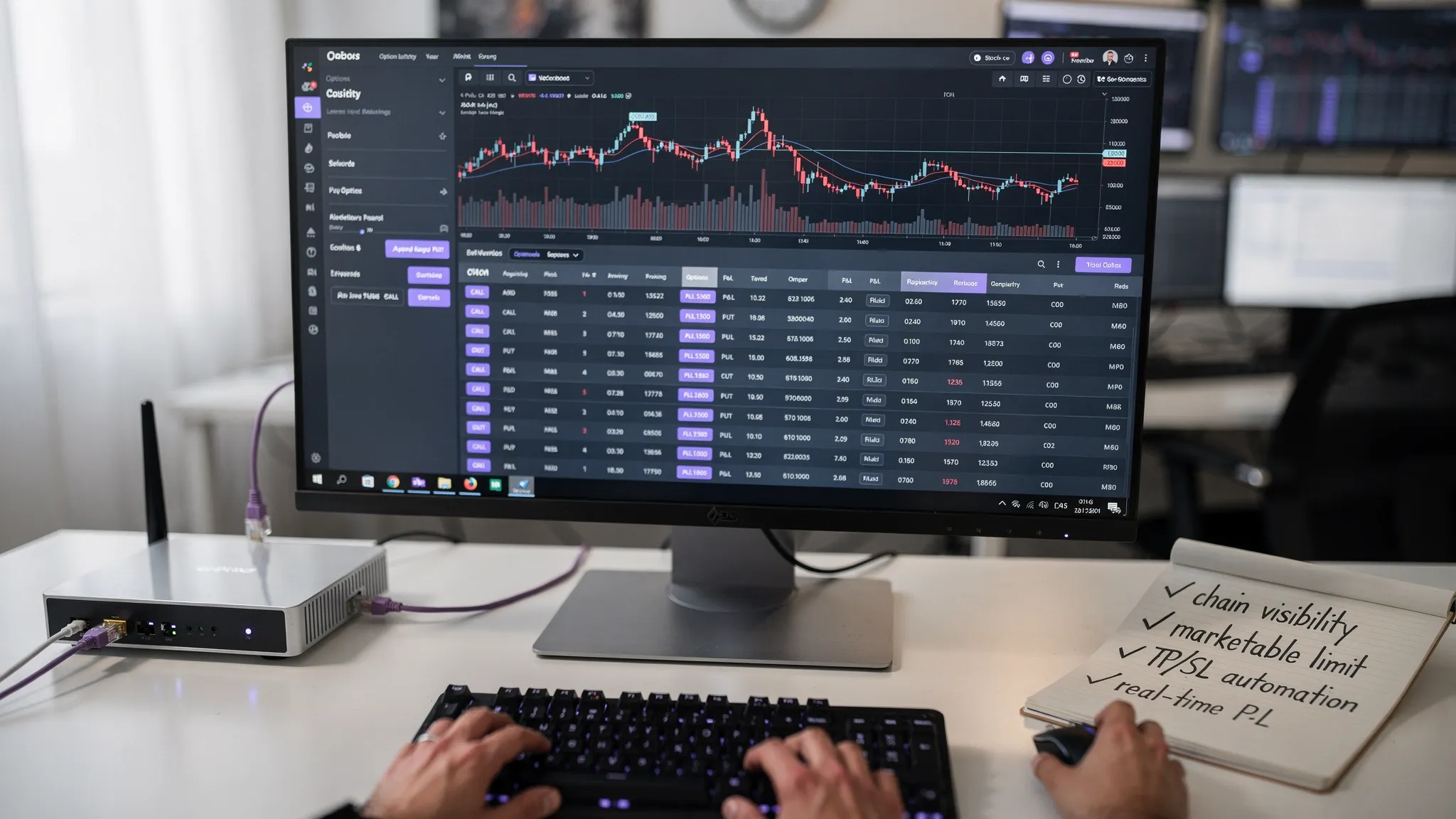
If you trade options on Interactive Brokers and care about speed, NeonChainX is positioned specifically for that workflow:
- Fast options trading platform for Interactive Brokers users (desktop app)
- Focus on low latency trading and workflow compression (NeonChainX is designed to add less than 10ms latency)
- Multi-chain view for faster strike and expiration selection
- One-click TP/SL automation to reduce exit setup time
- Visual clarity for spreads and strikes
- Real-time P&L per position
It is intentionally not a general-purpose platform, it is options trading software built for active traders who value clean execution.
To understand the execution side in more depth, you can also read NeonChainX’s guide on cutting latency for faster fills.
Frequently Asked Questions
What features matter most for fast fills in options trading? The biggest impact usually comes from (1) a fast, readable options chain (ideally multi-chain), (2) low-friction order entry with smart defaults and marketable limit support, and (3) instant risk automation like TP/SL so you do not lose time building exits after entry.
Does a low latency trading platform guarantee better fills? No. Liquidity, spreads, and volatility drive fill outcomes too. But a low-latency platform reduces self-inflicted delays and helps you react faster with fewer errors, which can improve fill probability and reduce slippage over many trades.
Why is multi-chain view important for fast options trading? It reduces context switching. When you can see multiple expirations and strikes at once, you can compare, roll, hedge, and adjust faster, especially in fast markets.
What is “marketable limit” and why do active options traders use it? A marketable limit is a limit price set aggressively enough to fill immediately in most cases (for example, near the ask when buying or near the bid when selling). It often improves speed compared to passive limits, while still bounding worst-case price compared to a pure market order.
How should I evaluate an Interactive Brokers options trading platform? Test it on a paper account first. Time how many clicks it takes to place and manage common orders, check whether order state is always clear, confirm it works smoothly with TWS or IB Gateway, and verify that automation behaves predictably during partial fills and reconnects.
Is NeonChainX only for Interactive Brokers? Yes. NeonChainX is built exclusively for IBKR users, integrating directly with TWS or IB Gateway so the platform can stay focused on options execution speed and workflow clarity.
Trade options on IBKR with a platform built for fast fills
If you are tired of slow, bloated interfaces and you trade actively on Interactive Brokers, NeonChainX is built to help you move faster with less friction, especially for fast options trading, multi-chain decision-making, and one-click risk automation.
Explore the platform at NeonChainX and, when you are ready, follow the Getting Started guide to connect via TWS or IB Gateway and test your workflow on a paper account first.