Open Positions - Real-Time Risk Checks for IBKR Options
A repeatable 60-second risk loop for open options positions on Interactive Brokers: state, exposure, liquidity, and plan, plus how NeonChainX helps active traders.
Your edge in options trading rarely comes from finding entries. It comes from how you manage open positions while price, volatility, and liquidity change in real time. Options are nonlinear, so the risk you had at entry can look completely different minutes later, especially around news, near expiration, or in fast markets.
For day traders and scalpers on Interactive Brokers, this is where "real-time" matters. Your platform should help you run fast, repeatable risk checks without slowing the decision loop.
Why open positions are harder than stocks
With stocks, risk is mostly directional. With options, open positions shift quickly because P&L is driven by:
- Underlying price and current sensitivity
- Implied volatility (expansion or crush)
- Time decay (theta)
- Bid-ask behavior, which can dominate short-dated or wide markets
- Assignment risk on short options near expiration
Treat risk management as a live control loop, not a one-time stop placement.
Options involve substantial risk. For official mechanics (exercise, assignment, settlement), see the OCC disclosure document.
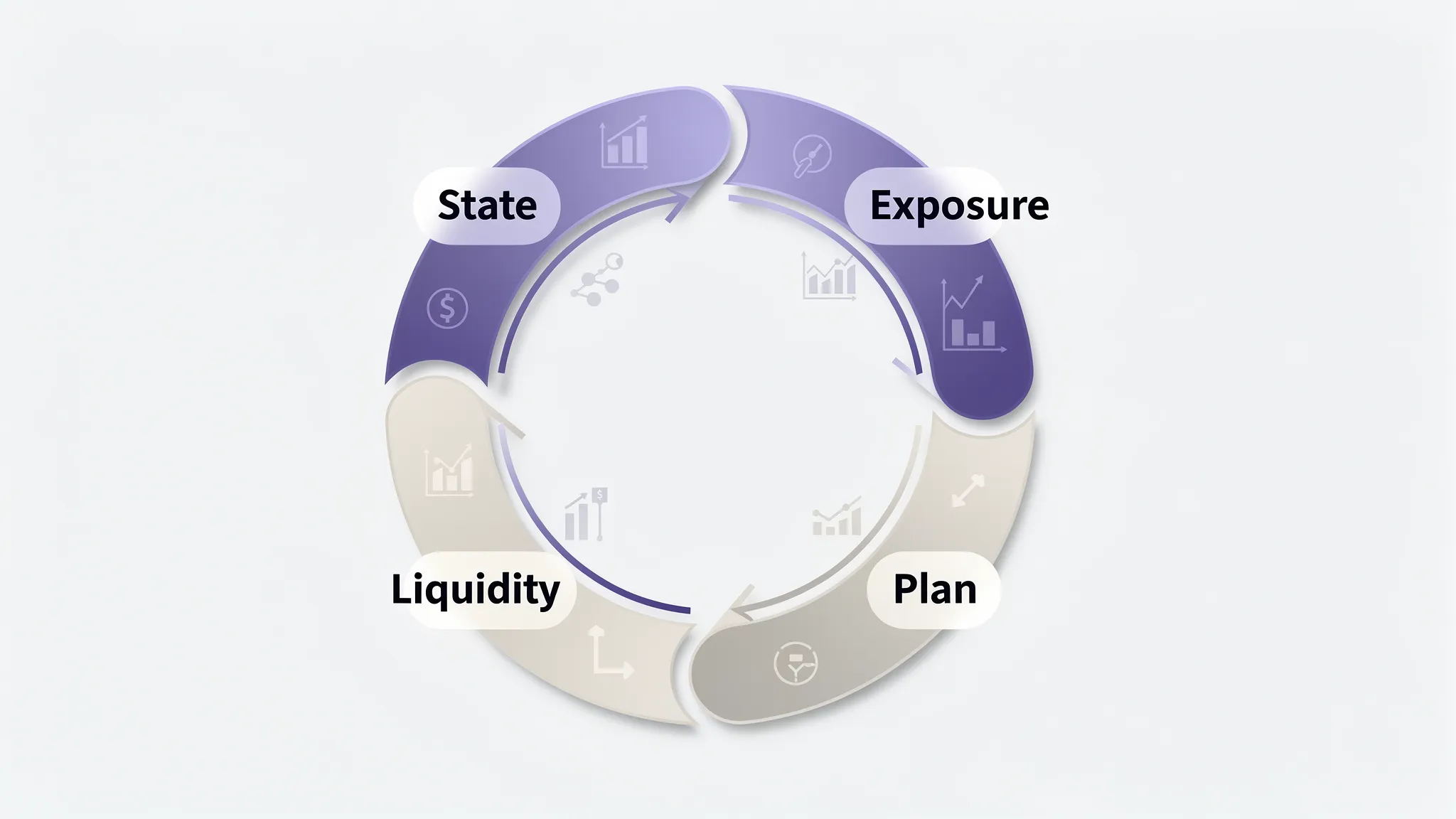
The 60-second risk check (repeat all day)
Designed for scalping but useful for any active session.
1) State check: what do I actually have on?
- Contract, expiration, strike, call/put
- Net quantity (long vs short)
- Real-time P&L
- Working exits (TP/SL, limits)
- Time to expiration
If you need dialogs to confirm what's live, you will be late when it matters.
2) Exposure check: what can hurt me next?
- Mostly directional, volatility, or time decay right now?
- If the underlying moves 0.25% to 1% fast, does the position get materially worse?
- If IV spikes or crushes, what happens?
- Short options: drifting ITM toward assignment risk?
3) Liquidity check: can I exit cleanly?
- Bid-ask width on your exact strike
- Size at the inside market
- Whether spreads widened vs earlier in the session
Thin liquidity means your "paper stop" may not fill where you expect.
4) Plan check: what will I do if X happens?
One sentence each:
- "If underlying breaks level Y, I exit or reduce."
- "If premium hits Z, I take profit."
- "If spread blows out, I use a marketable limit, not a blind market."
No plan means you are hoping, not managing.
Risk checks by position type
| Position type | Prioritize while open | Typical response when risk rises |
|---|---|---|
| Long calls/puts (day trades) | Liquidity, time to expiry | Tighten exits, marketable limits |
| Short premium (if you trade it) | Fast underlying move, ITM drift | Reduce size, define risk, avoid event risk |
| Near-expiry scalps | Execution, slippage | Smaller size, faster exits |
NeonChainX is built for single-leg and simple IBKR options workflows with fast exits, not complex spread builders.
Checklist professionals reuse
Position integrity
- Wrong strike/expiry
- Size too large for liquidity
- Missing or duplicate exit orders
Price and volatility
- Underlying moves but option mark lags (stale quotes)
- IV regime shift after news
Capital
- "If this goes badly in five minutes, can I exit without blowing the day?"
- Margin/buying power constraints (see IBKR margin docs)
Why platform speed is risk control
Workflow delay often beats network delay:
- You see risk change.
- You click through screens.
- The market moves.
- You execute a different trade than intended.
Low latency matters for managing open positions, not only entries.
Look for:
- Real-time P&L per position
- Fast options chain navigation (and multi-symbol watchlists if you trade several tickers)
- Automated TP/SL without multi-step dialogs
- Consistent behavior under load
How NeonChainX fits (IBKR)
NeonChainX is a desktop options app for IBKR users focused on speed and clarity:
- Direct TWS / IB Gateway integration
- Options-first layout with fast chain navigation
- Multi-symbol workflow when you watch several underlyings
- One-click TP/SL automation
- Live P&L on open positions
Setup: Take profit and stop loss in NeonChainX. Broader habits: Risk management when scalping options. Connection: Getting started, IB Gateway vs TWS.
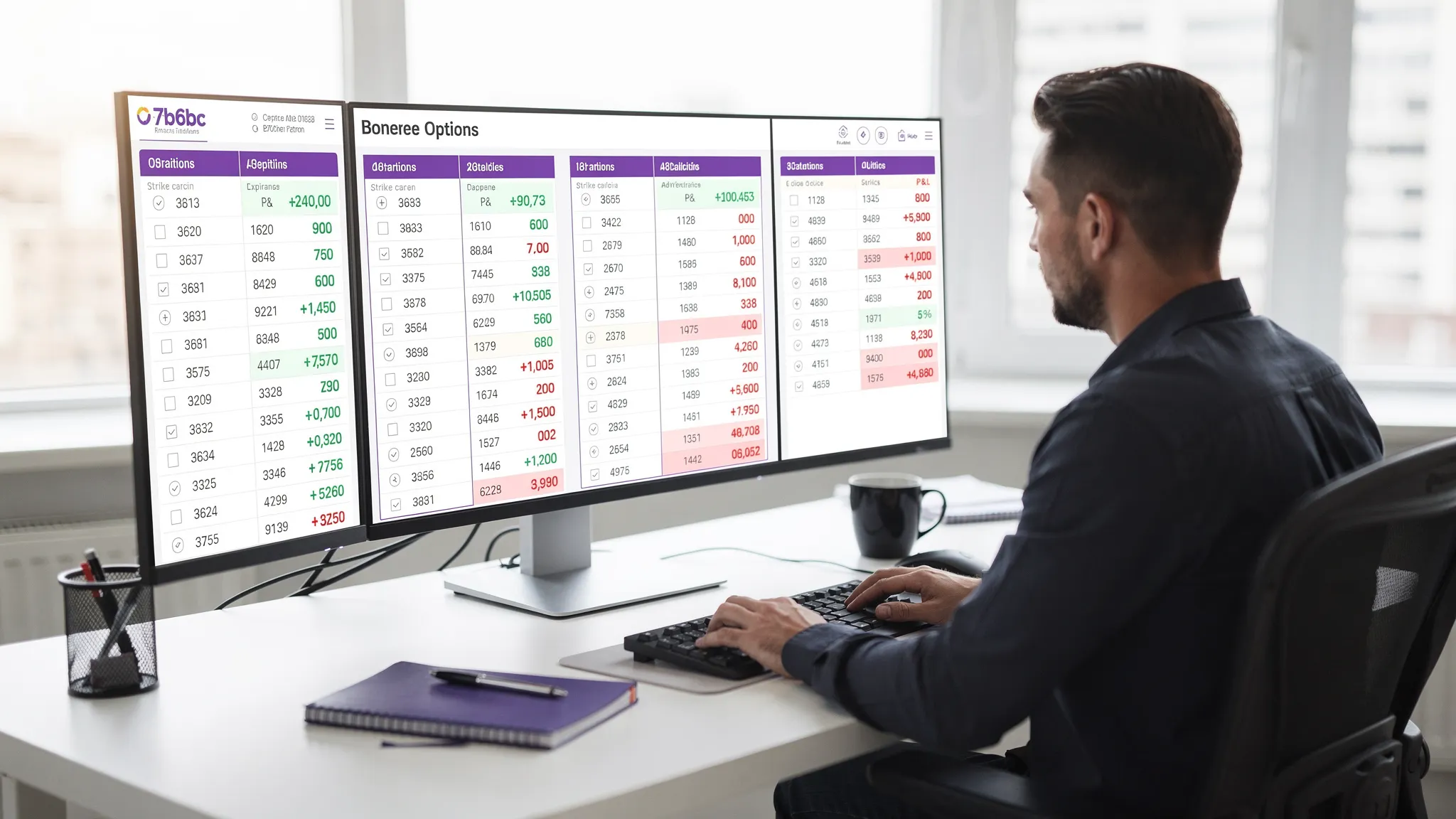
Intraday routine
Before entry: invalidation level, profit objective, time stop.
While open: re-run the 60-second loop on meaningful underlying moves, spread blowouts, IV shifts, and around the open/close.
After exit: note why (thesis failed, liquidity, target, time stop). Losses from slow exits need different fixes than wrong reads.
FAQ
What are the most important real-time risk checks? State (contract, size, orders), liquidity (spread, depth), and a clear plan (stop, target, time limit).
How often should day traders review open positions? After meaningful moves and when spreads widen; for very short holds, every 30 to 120 seconds can be appropriate.
Does TP/SL automation guarantee exit price? No. Fills depend on liquidity, order type, and market conditions.
Why does low latency matter for open positions? Risk can change faster than your UI. Shorter workflow time improves acknowledgment and fill quality.